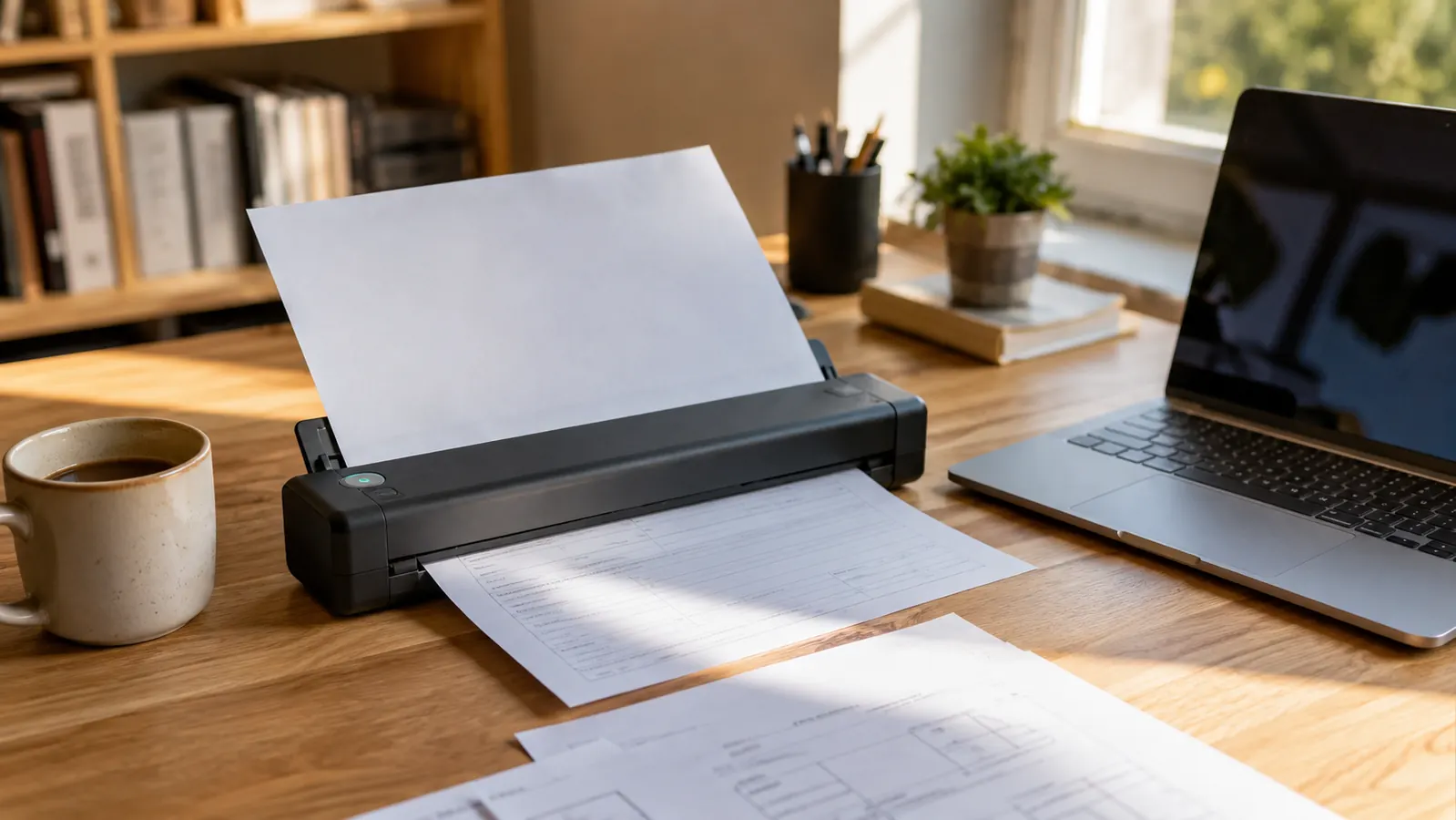
I've had four different scanners pass through my home office in eight years of remote IT work, and only one of them never ended up shoved in a closet: the Brother DS-640. It's a compact mobile document scanner, roughly the size of a stapler, and it lives on the corner of my desk instead of taking up a shelf like the flatbed I bought back in 2019 and eventually stopped using entirely. If you handle any paperwork while working from home, signed contracts, expense receipts, insurance forms, your kid's school permission slips, I think a portable scanner earns permanent desk space the same way a stapler or a notepad does. These are the ten reasons the Brother DS-640 stays out and actually gets used, not the general case for why scanners exist.
For most of my remote career I treated scanning as a once-a-month chore, dragging a stack of papers to a flatbed in another room and standing over it while each page loaded one at a time. That's not how paperwork works when it shows up daily. A one-pound scanner sitting an arm's reach away changed the entire habit.
Stop letting a paper stack take over your desk
The Brother DS-640 is the exact scanner I switched to after my old flatbed collected dust for a year. USB powered, no separate driver install, small enough to keep out permanently.
Amazon Check Today's Price on Amazon →It clears paperwork the same day it lands
A signed subcontractor agreement showed up in my mailbox at 9am last Tuesday. By 9:04 it was scanned, named, and dropped into my project folder, and the paper original was in the shred bin. That only happens because the Brother DS-640 is already sitting there, plugged in and ready, instead of stored in a bag in the closet. When a scanner requires setup, it gets used once a month. When it's just there, it gets used the same day mail arrives.
It doesn't need a spare surface to live on
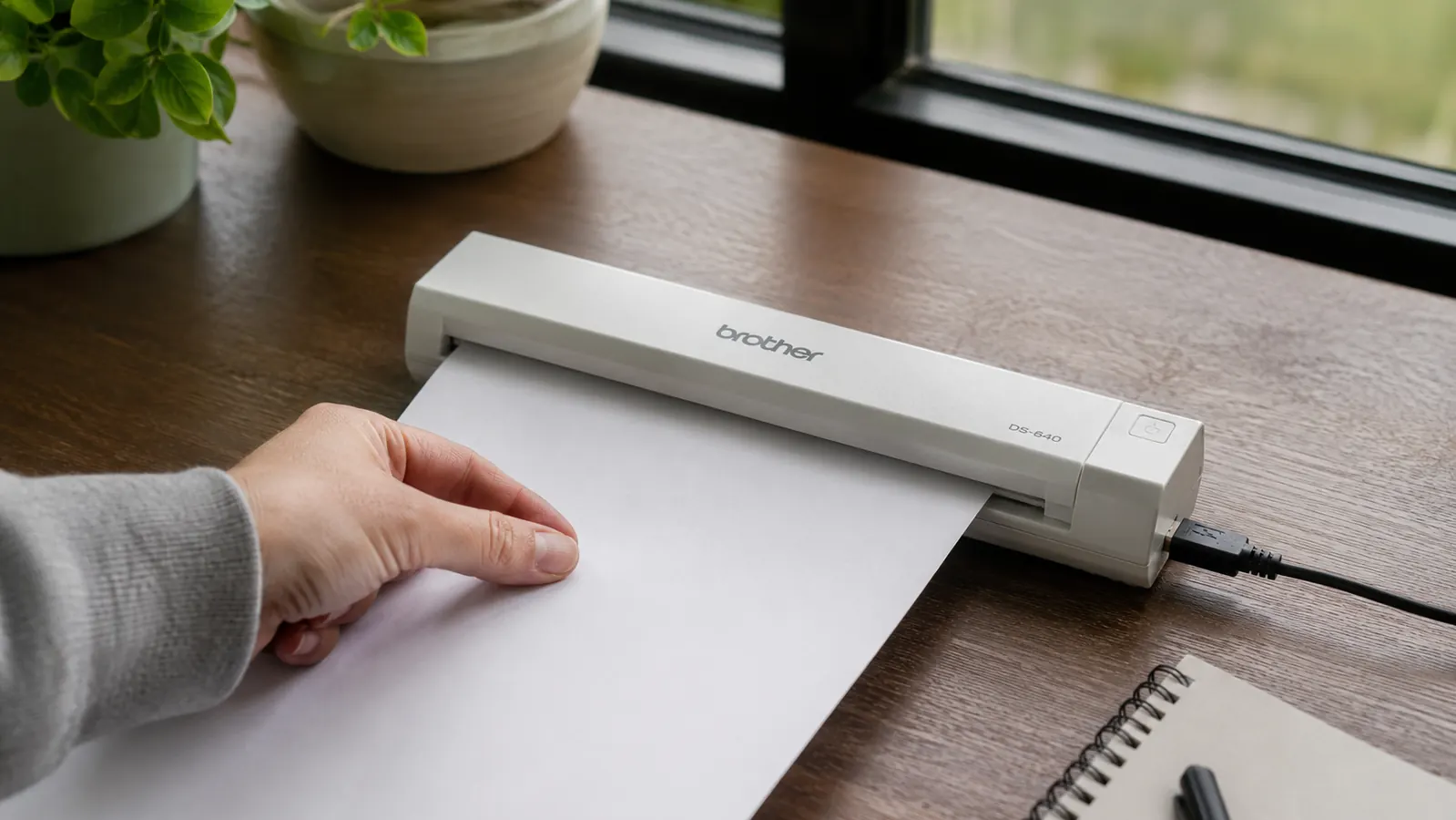
My old flatbed scanner was the size of a small pizza box and needed its own shelf. The DS-640 is about a pound and stands on end, so it takes up less desk real estate than my coffee mug. In a spare-bedroom office where every square inch of desk matters, that's the difference between a scanner I keep out and one I keep tripping over and eventually pack away.
It scans straight to a searchable PDF
This is the feature that actually changed how I file things. The bundled software runs OCR on every page as it scans, so the PDF that lands in my folder isn't just a picture of a document, it's text I can search. Last month I needed a specific line from a vendor agreement I'd signed six months earlier, and I found it by typing three words into a search bar instead of digging through a filing cabinet.
It scans both sides of a page in one pass
A lot of what crosses my desk, insurance forms, notarized documents, benefits paperwork, is printed on both sides. The DS-640 handles duplex scanning in a single feed instead of asking me to flip the page and run it through twice. For a stack of ten double-sided pages, that's the difference between a two-minute job and a five-minute one, and at the end of a workday those minutes add up.
It's fast enough to use between meetings
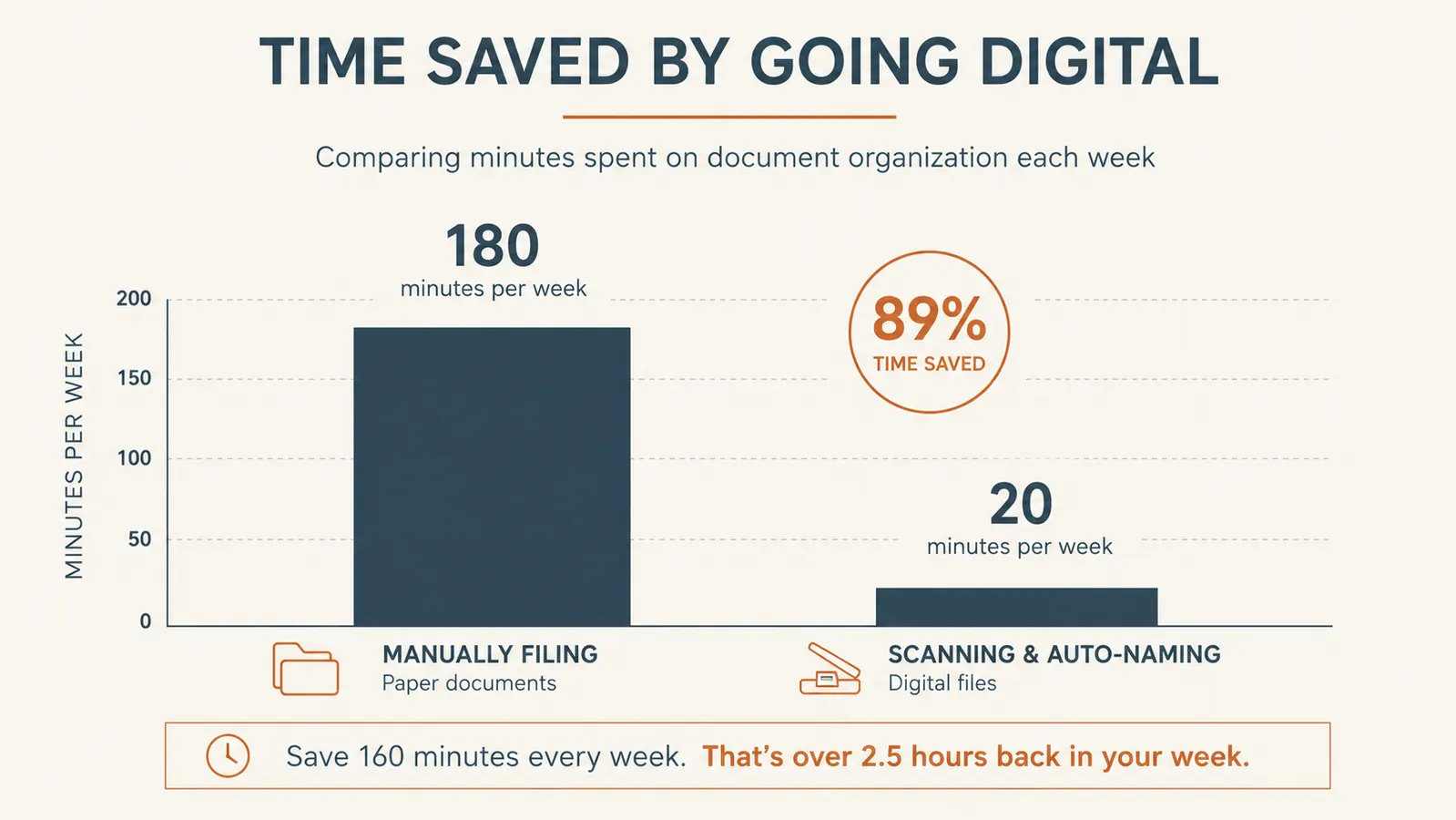
I'm not exaggerating when I say I can scan a short stack of receipts in the five minutes between back-to-back calls. The DS-640 pulls pages through at a real clip, not the crawl I remember from flatbed scanning where you load, wait, lift the lid, reload. That speed is the entire reason I use it daily instead of letting a pile build up for the weekend.
It runs on a single USB cable, no bulky power brick
There's no separate AC adapter to find a plug for. The DS-640 draws its power straight from the USB connection to my laptop, which means one cable, no wall outlet fight, and nothing extra to pack if I want to bring it along for a client site visit. My old flatbed needed its own outlet and a cable that never seemed to reach far enough.
It beats the multifunction printer's scan bed for anything routine
I still have a printer with a built-in scanner, but I stopped using its scan bed for day-to-day paperwork months ago. Loading a single sheet, closing a lid, and waiting for a slow preview to render isn't worth it for a stack of receipts. The DS-640 sits closer to my actual workflow, next to the keyboard, not across the room by the printer, so it's the tool I reach for without thinking about it.

It keeps tax season from turning into a shoebox hunt
Every receipt and 1099 that's come in this year has gone straight into a dated folder instead of a shoebox. When my accountant asked for Q1 expense documentation in April, I exported one folder instead of spending an evening photographing crumpled receipts with my phone. That single afternoon saved is worth more to me than the scanner cost.
It fits into a real naming and filing system
The software lets me set a save location and naming pattern once, so scanned files land directly in the right cloud folder instead of a generic Downloads folder I'd have to sort later. I keep a simple structure by year and category, and because scanning takes seconds, I actually stick to it instead of letting files pile up unsorted the way I used to with my old setup.
It's simple enough that everyone in the house uses it
My wife scans her own paperwork on it now, school forms, medical bills, without asking me how it works first. That matters more than it sounds like it should. A scanner that only the IT person in the house can operate doesn't actually solve the paper problem, it just moves the bottleneck. One button, one slot, no menu diving, and the DS-640 clears that bar.
What I'd Skip
I'd skip a scanner that needs its own AC adapter if the whole point is keeping your desk clear, that's one more brick and one more cable competing for outlet space. I'd also skip anything without real duplex scanning if you handle two-sided documents regularly, flipping pages by hand defeats the purpose of buying a dedicated scanner in the first place. And I'd steer clear of a scanner that dumps files as plain images with no OCR, because a folder full of unsearchable scans is barely better than the paper pile you started with. If you're only scanning a handful of pages a year, a phone scanning app might be enough. Once paperwork becomes a weekly occurrence, a dedicated compact scanner earns its desk space fast.
I didn't need a document management system. I needed the mail to stop turning into a pile on the corner of my desk.
Your desk shouldn't double as a filing cabinet
The Brother DS-640 has sat on my desk for six months of client contracts, receipts, and tax paperwork, and it's never once gone back in a drawer. Give it a spot near your keyboard and see how fast the pile disappears.
Amazon Check Today's Price on Amazon →