
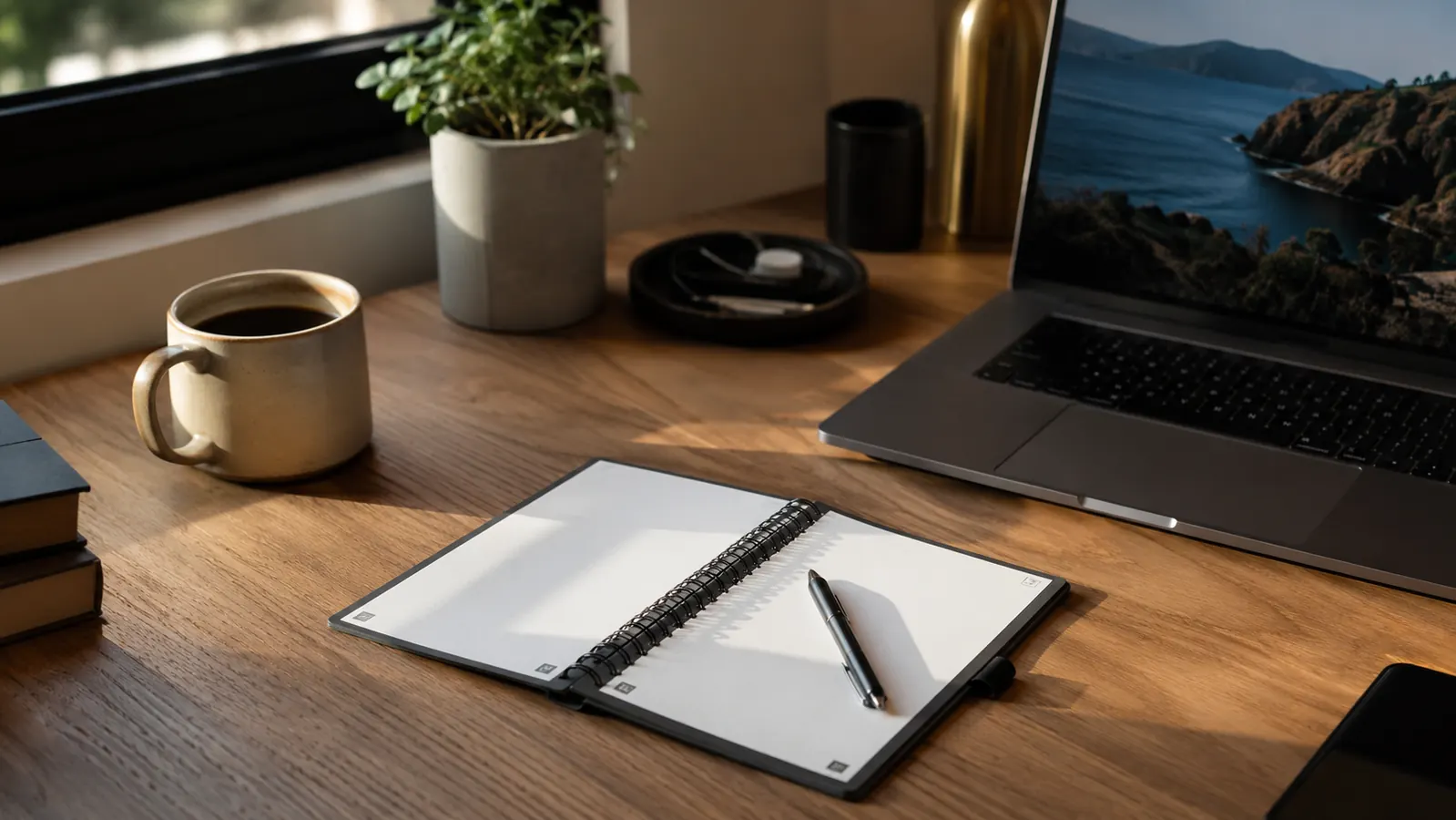
My desk used to look like a paper recycling bin that lost an argument with a printer. Eight years of remote IT project work will do that to you: meeting notes on legal pads, sprint retro sketches on sticky notes, phone numbers scrawled on the backs of shipping labels. I finally fixed it with one tool, a Rocketbook Flip, and a five-step system I still use every week. If your desk looks like mine used to, this is the exact process I followed to declutter it and keep it that way.
I'm Nate Colburn. I manage IT projects remotely, which means my job is basically back-to-back video calls and a constant stream of decisions that need to be captured fast. For years I told myself a bigger desk organizer would solve the clutter. It didn't. The problem was never storage. The problem was that I kept generating paper faster than I could file it. The Rocketbook Flip solved that because it isn't a place to store paper, it's a place to stop making more of it. That reframe is really the whole system, and everything below walks through exactly how I put it into practice.
Stop the Sticky Note Pile Before It Starts
The Rocketbook Flip is the single swap that got my desk under control, one reusable notepad instead of a stack of legal pads and sticky notes. Check today's price on Amazon and start your own declutter with the same notebook I use.
Amazon Check Today's Price on Amazon →Step 1: Do a Full Desk Audit Before You Buy Anything
Before I bought a single organizer bin, I cleared my desk completely. Everything came off, the monitor stand, the pen cup, every notepad, every folder. I know that sounds dramatic for a declutter project, but you can't fix what you can't see. I sorted the pile into three groups: paper I needed to act on, paper I needed to reference later, and paper I could throw away right then. About sixty percent of what was on my desk went straight into the recycling bin.
The audit took me maybe forty-five minutes on a Sunday afternoon, but it told me exactly what kind of clutter I was dealing with. Most of it wasn't important documents. It was scratch paper: quick notes from a call, a whiteboard sketch I photographed with my phone and then never deleted the physical version of, a to-do list I'd already finished and forgotten to toss. That's the pattern a reusable notebook actually solves. If your desk clutter is mostly reference documents like signed contracts, a Rocketbook won't help much. If it's mostly scratch paper like mine was, it's the right fix.
Write down what you find. I kept a running tally on my phone: fourteen sticky notes, six legal pad pages, three loose index cards, one grocery list that had migrated from the kitchen. Seeing the number in writing is what convinced me the problem wasn't a one-time mess, it was a daily habit generating new paper faster than I could clear it.
My setup is a dual-monitor desk in a spare bedroom, roughly forty-eight inches wide, with a keyboard tray underneath. That extra surface area was exactly why the clutter kept spreading. A bigger desk doesn't fix a paper habit, it just gives the habit more room to sprawl into. If your desk is smaller than mine, the audit matters even more, because you have less room to hide the overflow while you figure out a system.
Step 2: Replace Your Notepads With One Rocketbook Flip
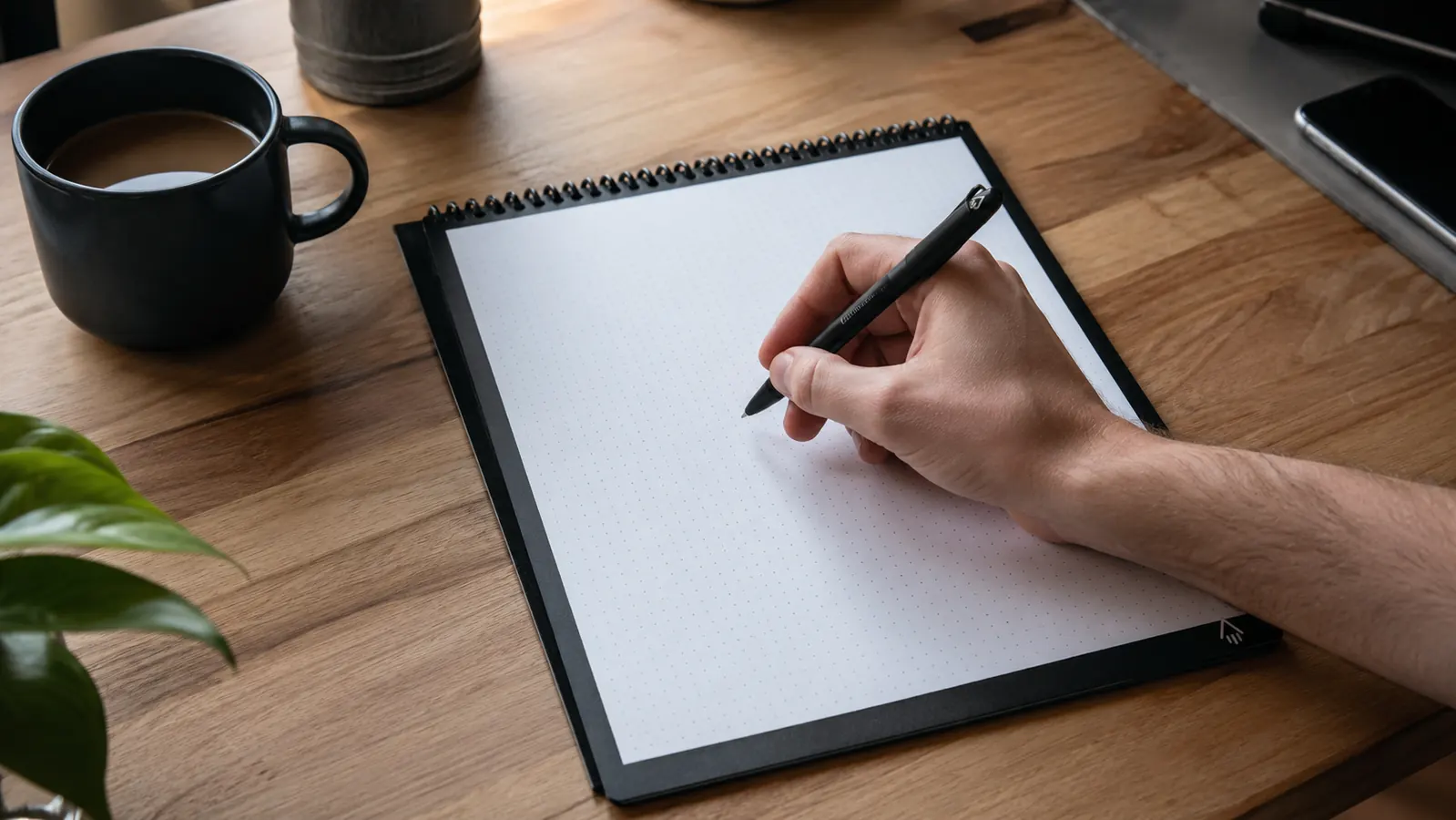
This is the step that actually changes the trajectory. I put away every loose notepad, sticky note pad, and legal pad within arm's reach of my desk and replaced them all with a single Rocketbook Flip. It's a top-bound spiral notebook, letter size, with a mix of lined and dotted pages, and it comes with a pen and a small microfiber towel. The pages feel like normal paper when you write on them, but they wipe clean with a damp cloth, so the same page gets reused instead of torn out and left on the desk.
The Flip format matters more than I expected. Because it's top bound like a legal pad, I can flip a page up and out of the way mid meeting the same way I always did, instead of fighting a notebook that wants to close itself. That small detail is why I stuck with the habit past week one. If the tool fights your existing workflow, you'll drift back to sticky notes within a month. I didn't, because the Rocketbook worked the way my hand already expected a notepad to work.
I use the free Rocketbook app to scan each page before I wipe it. You tap a symbol at the bottom of the page, and the app routes that scan to wherever you want it, a folder in Google Drive, an email, a project management tool. I have seven symbols mapped to seven destinations: one for meeting notes, one for personal to-dos, one for sprint planning sketches. That system is what actually keeps my desk clear day to day, not just the notebook itself.
I wasn't the only one who noticed this fix works. The Flip I use sits at 4.6 stars across roughly 4,800 Amazon reviews, and most of the ones I read before buying mentioned the same thing I found true myself, that it replaces a genuinely large stack of paper products rather than just adding one more item to the desk. A year and a half in, mine still writes and wipes exactly like it did on day one, no smearing, no ghosting on the pages.
Step 3: Set Up Your Scan Destinations Before You Need Them
Do this before your first full week with the notebook, not after. Open the Rocketbook app and set up the destination folders you'll actually use. I mapped mine to match how I already organized digital files at work: a Meetings folder in Google Drive, a Personal folder, and a Slack channel I use as a personal archive. If you skip this step, every page you scan ends up dumped in one generic folder, and you'll stop trusting the system within two weeks because finding anything becomes its own chore.
This is also where the declutter actually sticks. A messy desk is usually a symptom of a missing system for where things go, not a lack of willpower. Once I had destinations set up, wiping a page stopped feeling like deleting my notes and started feeling like filing them. I scan a page, tap the folder icon, wipe the page with the included towel, and the physical notebook is empty and ready again in under thirty seconds.
I keep the symbol assignments written on a small card taped inside my desk drawer for the first month, since I'd forget which icon meant what otherwise. A star routes to Meetings, a heart routes to Personal, a checkmark routes to my team's project tracker. After a few weeks I didn't need the card anymore, the mapping was just muscle memory, the same way remembering which drawer holds the stapler eventually stops requiring thought.
Step 4: Build a Two Minute Daily Wipe Down
Every evening before I close my laptop, I go through my Rocketbook Flip page by page. Anything I've already scanned and acted on gets wiped with the damp microfiber towel that came with the notebook. Anything still active stays for tomorrow. This takes about two minutes and it's the habit that keeps the desk decluttered long term, not the one-time cleanup from Step 1. A one-time declutter is easy. A desk that stays clear six months later is a routine.
I do this at the same time every day, right after my last call, so it's attached to an existing habit instead of floating as one more task I have to remember. That timing detail is bigger than it sounds. The desk declutter projects that fail are almost always missing a trigger, some existing moment in your day that reminds you to do the two minute reset. Mine is closing the laptop. Find yours.
I've skipped this a handful of times, usually on days with a late evening deployment, and the notebook fills up fast when that happens. Two skipped nights in a row and I'm back to flipping pages hunting for space, which is exactly the friction the whole system is supposed to remove. Catching up takes maybe five minutes the next morning, but it's a good reminder that the two minute habit is doing more work than it looks like.
Step 5: Do a Weekly Full Reset Every Friday
Once a month wiping isn't enough, so I also do a bigger reset every Friday afternoon. I pull the Rocketbook Flip off the desk entirely, check the app for any scans that landed in the wrong folder, and physically wipe every page, even ones I might not have fully finished with, since I've already scanned them by then. I also use this ten minutes to check whether any new paper crept back onto the desk that week, a shipping label, a printed invoice, a business card.
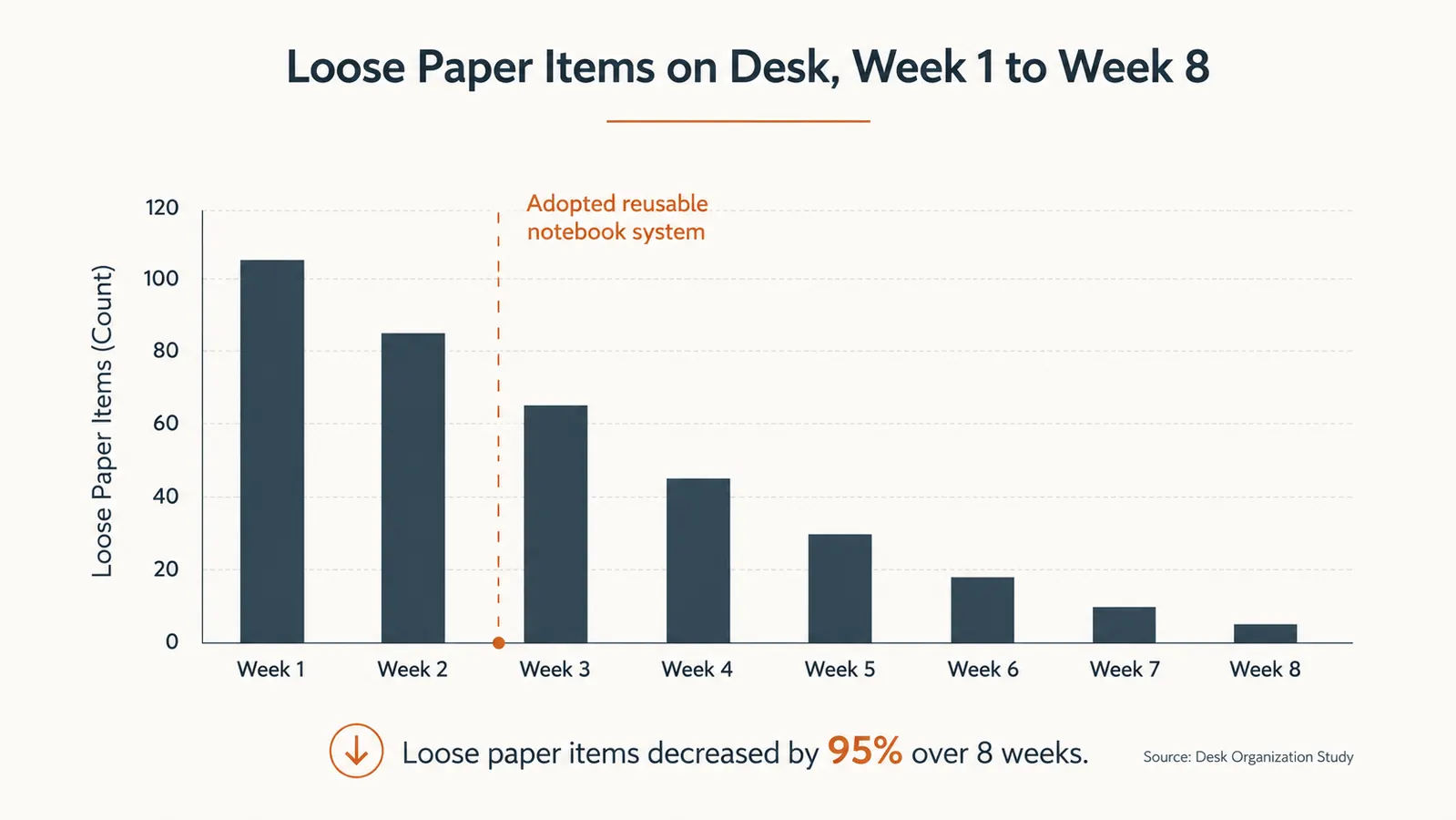
This weekly reset is what separates a desk that's decluttered once from a desk that stays decluttered. I've run this same Friday routine for a little over a year now, and my desk has stayed essentially paper free the entire time, aside from the notebook itself and my keyboard. That's the actual measure of whether a decluttering system worked, not how clean the desk looks the day you finish organizing it, but how it looks three months later without you thinking about it.
I've folded the reset into my existing Friday wrap-up, right when I'm already reviewing next week's project timelines. Stacking it on top of a routine I was already doing meant I never had to carve out separate time for it. If Friday doesn't work for your schedule, pick whatever day already anchors your week, the specific day matters less than making sure it's attached to something you're already doing.
What Else Helps
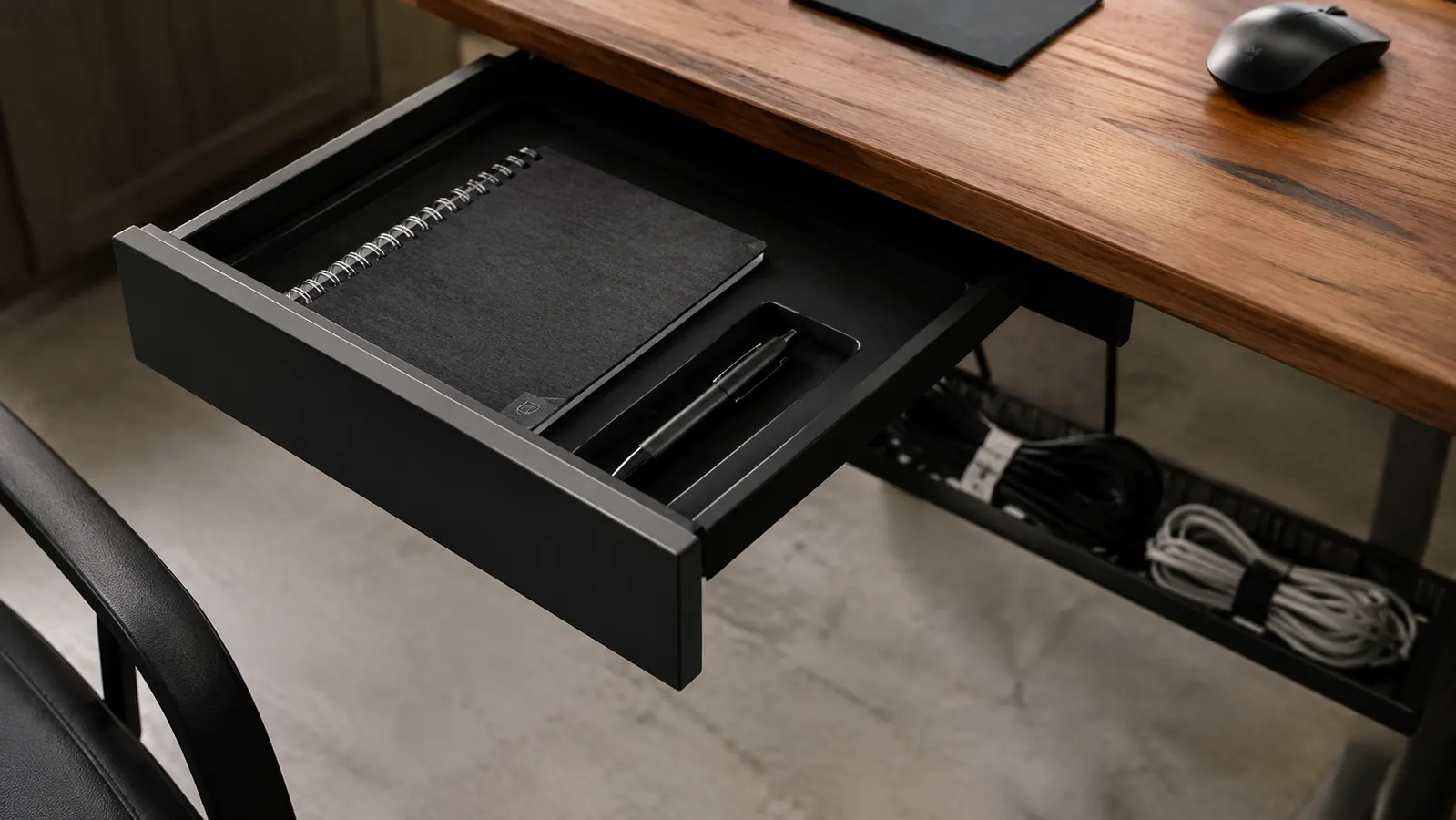
The Rocketbook Flip did most of the work, but a few small additions made the system stick. I added a shallow drawer tray just for the notebook and its pen, so it always has a home instead of sliding around the desk surface. I also moved my charging cables into a cheap sleeve clipped to the underside of the desk, since tangled cords were contributing to the visual clutter even after the paper was gone. Neither add-on cost more than fifteen dollars, and neither would have mattered if I hadn't fixed the paper problem first.
I also keep a small tray by the front door for mail and shipping labels, so that paper never makes it to the desk in the first place. That one change cut out most of the stray paper I used to find creeping back during the Friday reset. Start with the notebook. Add the small stuff once you've proven the habit sticks, not before, because none of these extras fix a desk on their own.
A one-time declutter is easy. A desk that's still clear six months later is a routine, and mine is built around a five dollar towel and one reusable notebook.
The Notebook That Actually Keeps My Desk Clear
If you're tired of restarting your declutter every few weeks, swap the notepad stack for one Rocketbook Flip. It's the same fix that's kept my desk paper free for over a year.
Amazon Check Today's Price on Amazon →