

Six months ago my desk had four different notebooks on it: one for client meeting notes, one for sprint planning, one for random project ideas, and one that had gone missing somewhere under a stack of invoices for two weeks before I found it wedged behind the monitor stand. I finally consolidated all of it into a single Rocketbook Flip, and the plain paper notebooks that used to run my workday got demoted to scratch pads in a drawer. If you're weighing a reusable smart notebook like the Rocketbook Flip against just grabbing another spiral paper notebook off the shelf, here's the short version: the Rocketbook Flip wins for anyone juggling more than one project a week and drowning in old notes they can never find again, and a plain paper notebook still wins for anyone who wants to write fast, cheap, and never think about a phone, an app, or a specific pen again.
I've managed remote IT projects from my spare bedroom office for eight years, and the note problem never actually goes away, it just changes shape. In year one it was too many separate notebooks. By year four it was one huge notebook I could never search, three hundred pages deep with a client's server migration notes buried somewhere around page 140. The Rocketbook Flip solved the searching problem and the pile-of-notebooks problem in one move, but it did not solve everything, and there are a few spots where a three dollar paper notebook from the drugstore still does the job better. I'll walk through both sides below, starting with the numbers.
To make this a fair comparison, I actually ran both at the same time for a full month before switching over. I used the Rocketbook Flip for internal project notes and kept a paper notebook going for anything I needed to jot down away from my desk. That side-by-side month is where most of what follows comes from, not a quick two-day trial.
| Spec | Rocketbook Flip | Paper Notebook |
|---|---|---|
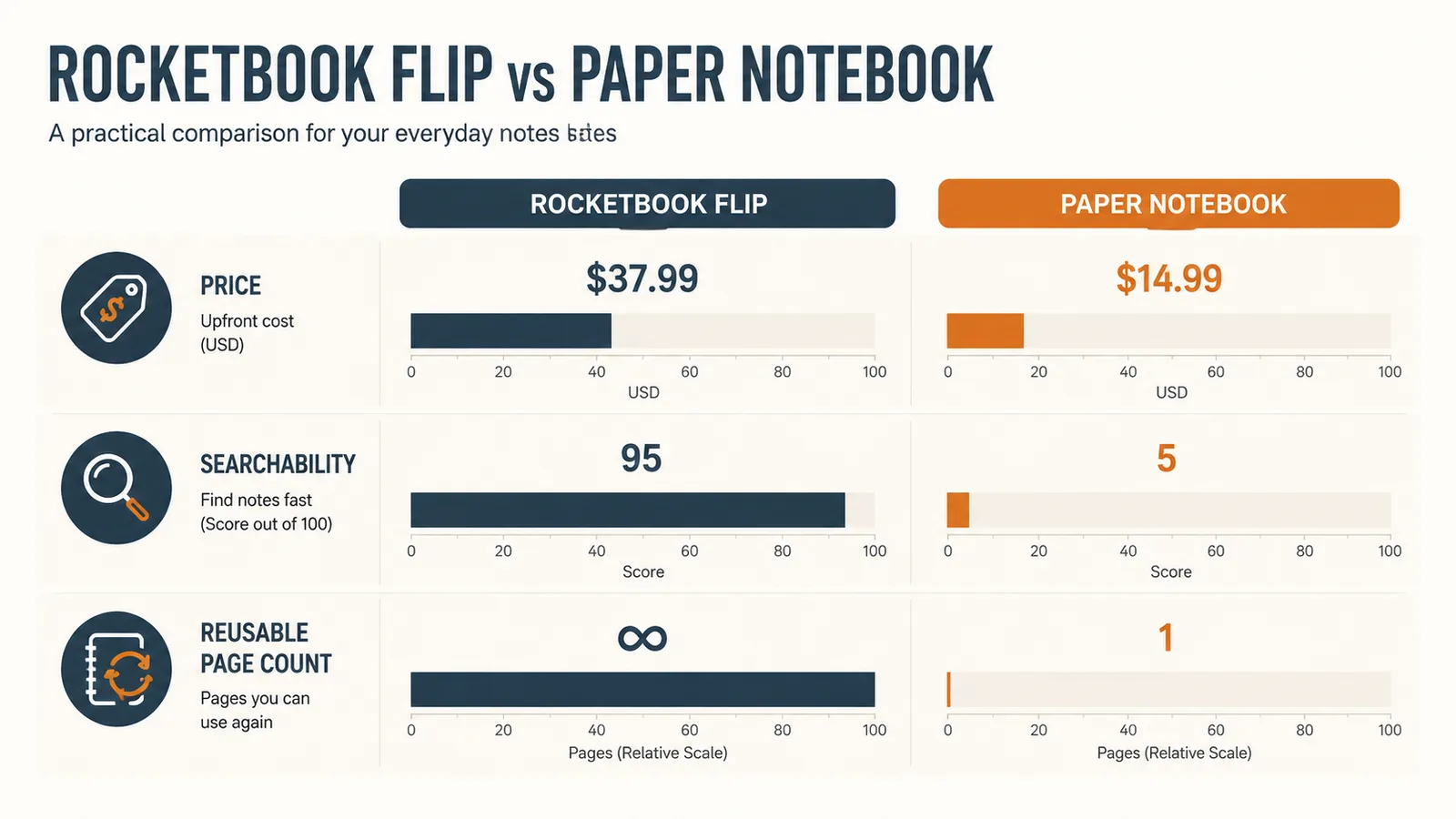
| Price | Mid-range, includes the notebook, a Pilot FriXion pen, and a cleaning cloth | Comparable spiral notebook costs extra, sold separately from any pen |
| Page Capacity | 36 reusable pages, wipe clean and reuse hundreds of times | Fixed page count, typically 70 to 100 pages, then it's full for good |
| Searchability | Scan pages into the free Rocketbook app and search notes by keyword | None, you flip pages by hand until you find what you need |
| Cloud Backup | Auto-syncs scanned pages to Google Drive, Dropbox, Notion, and more | None, notes live only on paper until the notebook is lost or destroyed |
| Writing Tool | Requires a Pilot FriXion pen, page has a slightly glossy synthetic feel | Any pen or pencil works, natural paper texture |
| Durability | Wipeable synthetic pages shrug off coffee spills and light tearing | Pages tear, curl, and stain, corners fray with daily carry |
| Setup | Download the app once, learn the destination icons at the bottom of each page | Zero setup, open the cover and start writing |

Where the Rocketbook Flip Wins
The single biggest difference is searchability, and it's not close. Every page I fill in the Rocketbook Flip gets scanned through the free app with a tap on one of seven destination icons printed at the bottom of the page, so a page of sprint planning notes goes straight into my project folder in Google Drive while a page of client call notes lands in a separate folder without me renaming a single file. When I need to find something, I search the app by keyword instead of flipping through months of paper. Last spring a client asked me to confirm a decision we'd made about server access permissions four months earlier. I typed "access permissions" into the Rocketbook app, found the scanned page from that exact meeting in about eight seconds, and forwarded it to him before he'd finished his next sentence on the call. That would have taken me twenty minutes of flipping through a paper notebook, assuming I even still had the right one on hand.
The second win is desk space and durability. The Rocketbook Flip has thirty six reusable pages, and once I scan a set I wipe them clean with the included microfiber cloth and a little water, then start over. That means one notebook has replaced what would have been six or seven paper notebooks over the same six months, and my desk isn't buried in old spirals I'm afraid to throw out because there might be something important on page 40. The pages are a synthetic material rather than paper, so a coffee spill wipes off instead of soaking through and destroying three weeks of notes. That exact thing happened to me with a paper notebook years ago, and I lost a full week of onboarding notes for a new hire. It hasn't happened once with the Flip, because even if it did, the ink wipes clean and the page survives.
The app's handwriting search is also better than I expected going in. I write fairly fast and messy when I'm on a call trying to keep up with someone talking, and I figured the optical character recognition would choke on it. It mostly doesn't. Searching for a client's last name or a project code name pulls up the right page even when my handwriting drifts sideways by the bottom of the sheet. It's not perfect, a few pages with heavy abbreviations don't index well, but for normal meeting notes it works closely enough that I trust it.
I currently run three ongoing clients plus my own internal notes, and the seven destination icons at the bottom of each Rocketbook Flip page mean I don't have to keep four separate notebooks straight anymore. One icon sends a page to a folder for Client A, another to Client B, another to my internal project tracker. I mark the icon before I even start writing, scan the page when the meeting ends, and it's already filed correctly by the time I close my laptop. With paper notebooks I used to have to remember which physical notebook was for which client, and more than once I wrote a client's note in the wrong one entirely.
Where a Paper Notebook Wins
A plain paper notebook wins on friction, plain and simple. There's no app to open, no destination icon to remember, no dead phone battery standing between you and writing something down. I keep a cheap spiral paper notebook in my laptop bag for exactly this reason, because if I'm on a call walking around the kitchen and need to jot a number down fast, I'm not fumbling for the Rocketbook Flip's specific pen or worrying about whether the page will scan cleanly later. Any pen works. Any surface works. If the notebook falls into a bag with keys and a water bottle, you lose nothing that can't be dried out or taped back together.
Cost is the other honest advantage. A basic paper notebook runs anywhere from three to fifteen dollars depending on the brand, and there's no ecosystem to buy into. The Rocketbook Flip runs around twenty five dollars for the notebook, a Pilot FriXion pen, and the cleaning cloth, which isn't expensive by any measure, but it's still a specific pen you have to keep track of and eventually replace when it runs dry. If you only take notes occasionally, like a once a week planning meeting or the odd grocery list, paying for reusability you'll barely use doesn't make much sense. Grab a paper notebook, fill it up, and buy another one for less than the cost of a coffee.
There's also a real drawback of the Rocketbook Flip worth naming here. Its pages work with heat-erasable Pilot FriXion ink, and that ink is sensitive to heat in general, not just the built-in eraser tip. I left the notebook on my car's dashboard for an afternoon in July and came back to find a full page of notes had faded to almost nothing. A paper notebook doesn't have that failure mode. Regular ink on regular paper survives a hot car, a spilled water bottle that dries out, and just about anything short of a fire.
Some of my clients also run on-site security policies that don't allow phones or scanning devices in certain meeting rooms, which means the Rocketbook Flip's entire search advantage disappears the moment I can't photograph the page. On those days I take notes in a plain paper notebook, transcribe anything important afterward, and don't think twice about it. If your work involves sensitive client information or any setting where you can't pull out a phone, a paper notebook is simply the safer default, no app required.
Tired of hunting through old notebooks for one page you need right now?
The Rocketbook Flip scans and searches every page you fill, so meeting notes from four months ago show up in seconds instead of buried in a drawer full of spirals. Check today's price on Amazon and see current availability.
Amazon Check Today's Price on Amazon →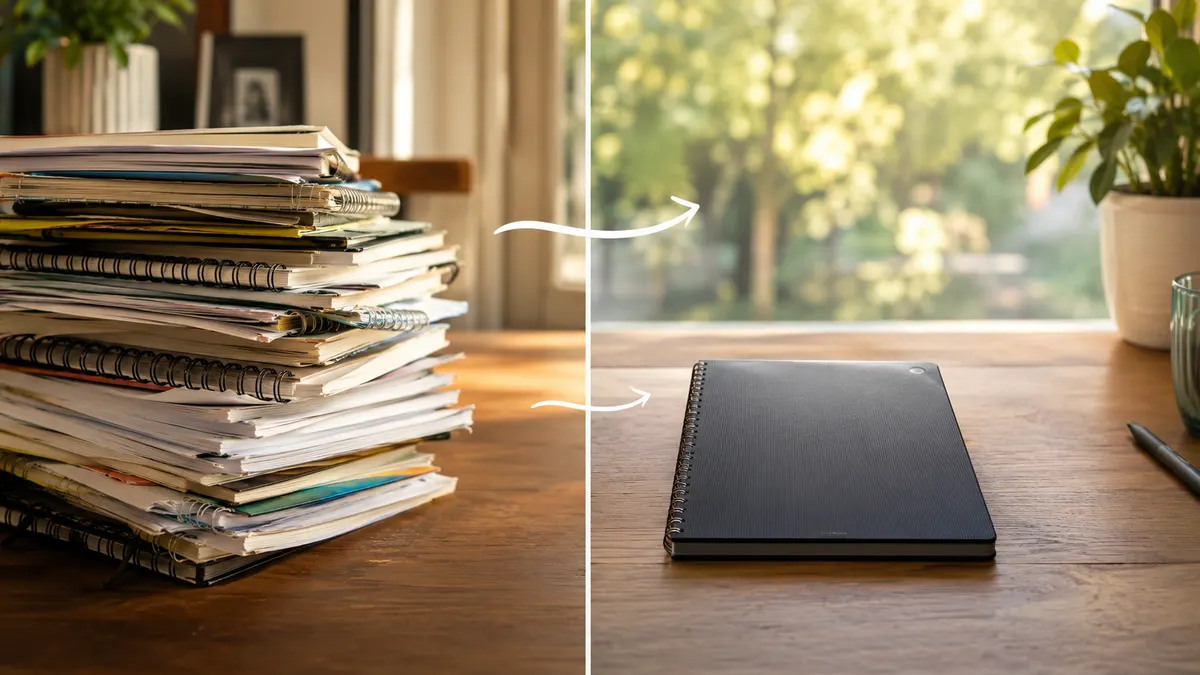
Who Should Buy Which
If your workday looks anything like mine, meaning multiple projects, recurring client calls, and notes you actually need to reference weeks or months later, the Rocketbook Flip earns its spot on the desk fast. It's built for people who use notes as a working tool, not just a scratch pad, and the searchability alone pays for itself the first time you need to pull up a decision from an old meeting. If you're a freelancer juggling three clients, a project manager running sprints, or anyone who's ever said "I know I wrote that down somewhere," this is the one to buy. On the other hand, if you take notes rarely, mostly jot down phone numbers or grocery lists, or you specifically want something with zero setup and zero tech involved, a plain paper notebook does everything you actually need without asking you to learn an app or track a special pen. I still keep one paper notebook in my bag for fast, low stakes scribbles, but the Rocketbook Flip is what stays open on my desk for anything that matters six months from now.
A quick way to decide: if you've ever lost a note you needed weeks later, or you're currently juggling more than one active project with its own paper trail, buy the Rocketbook Flip and give it a month before you judge it, the habit takes about two weeks to stick. If you take notes maybe once a day, mostly for yourself, and you like the plain feel of pen on paper without any extra steps, save the money and buy a paper notebook instead. I use both today, but the ratio is roughly nine Rocketbook Flip pages for every one page I still fill by hand.
Still deciding? Here's what convinced me.
Eight years of remote work notes taught me the hard way that paper piles up and gets lost. The Rocketbook Flip has been the one system that actually stuck for me. Check today's price on Amazon before you grab another spiral notebook you'll lose track of.
Amazon See the Rocketbook Flip on Amazon →