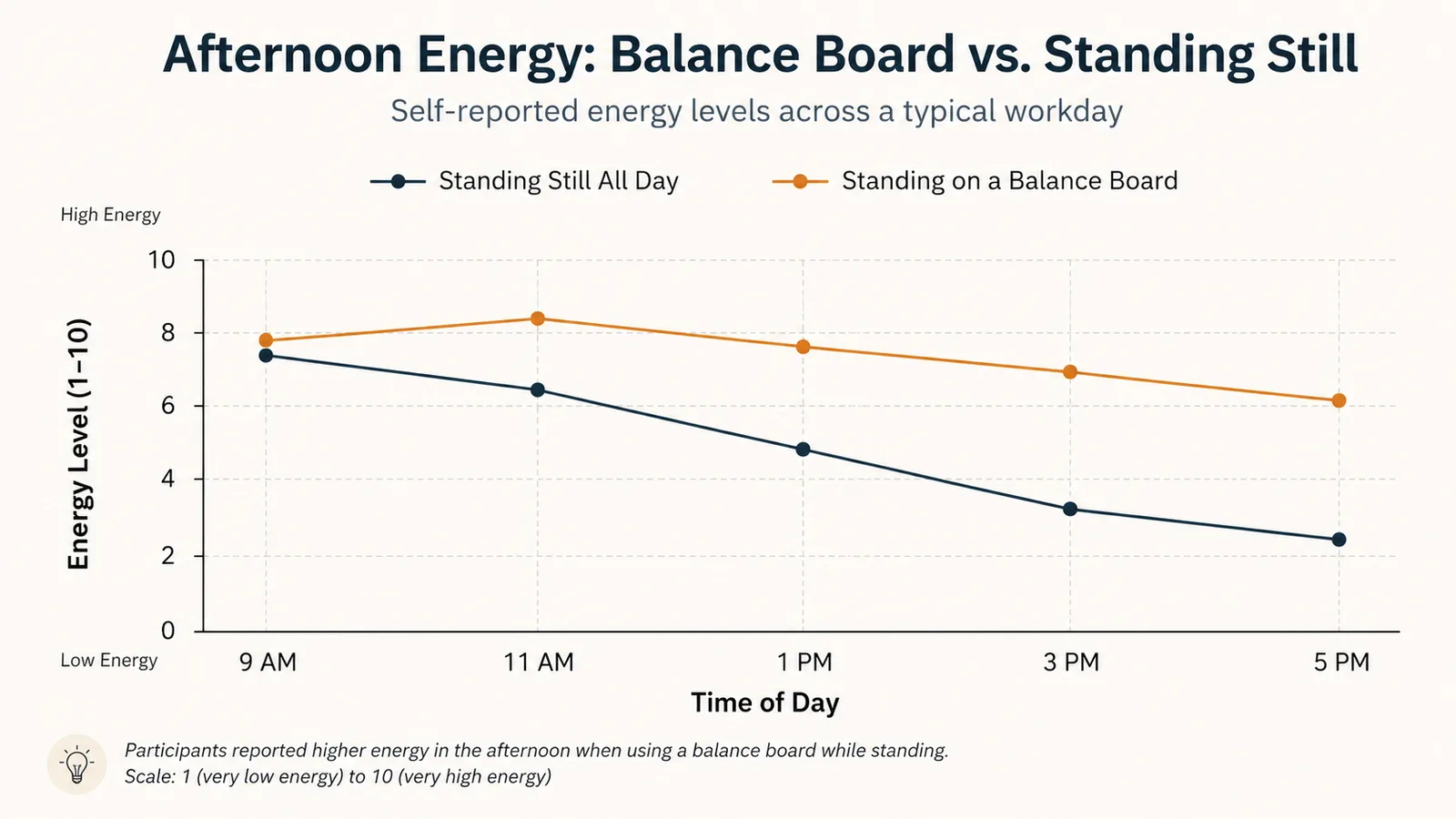
Eight years working from home taught me the biggest problem isn't the work itself, it's the stillness. I spend six, sometimes seven hours a day standing at my desk through back-to-back Zoom calls, and by 2pm my legs feel like two dead tree stumps under me. I tried shifting my weight, doing calf raises between meetings, none of it stuck because it felt forced and I'd forget within ten minutes of the next call starting.
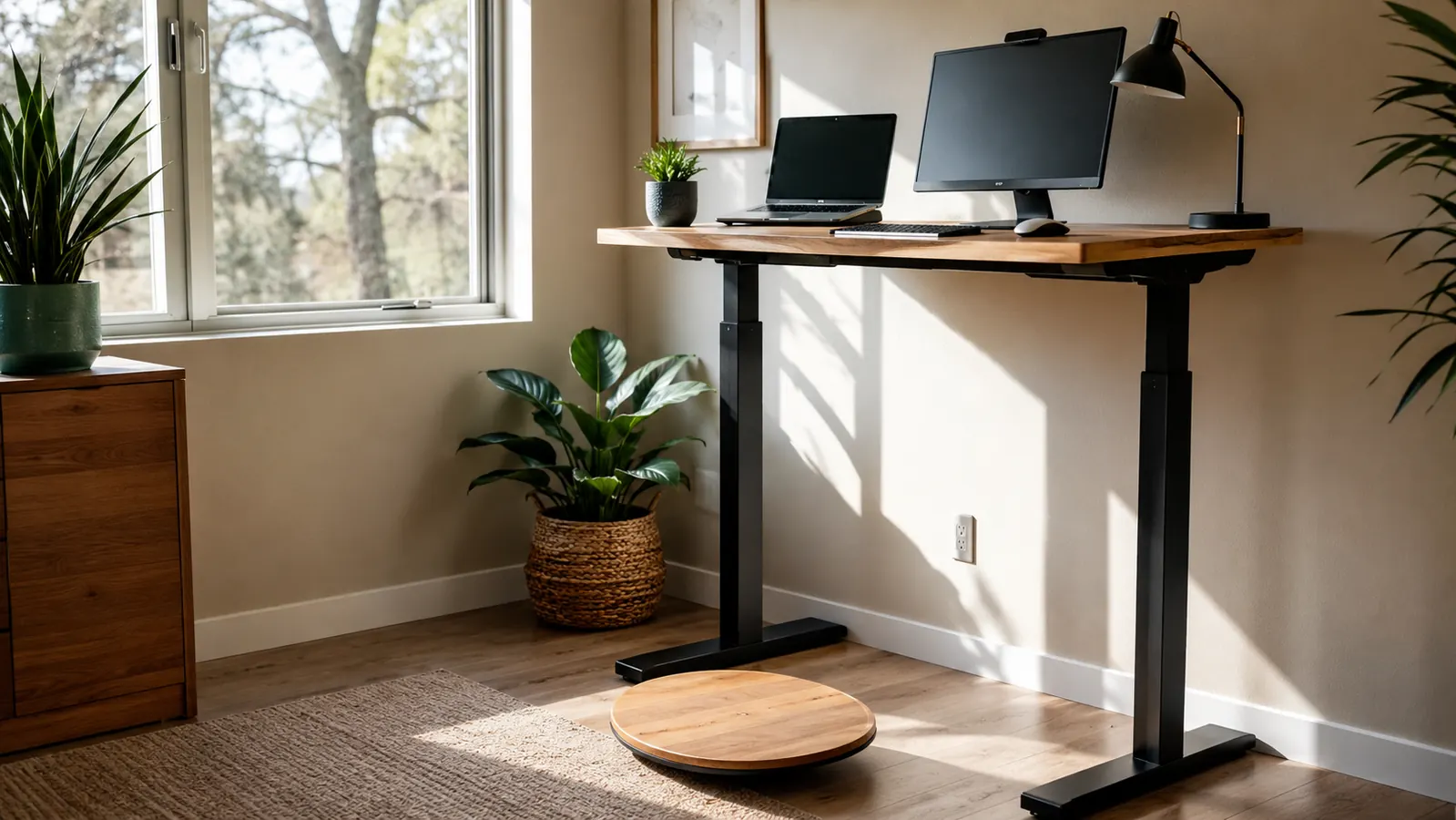
The thing that actually stuck was standing on a StrongTek wooden balance board while I worked, and it's stayed part of my daily setup for five months now. If you've never used one, a balance board is a low wooden platform. StrongTek's version gives you two ways to use it, and both force your ankles, knees, and core to make small constant adjustments just to keep you upright. You're not doing squats or lunges at your desk. You're standing, same as you would on the floor, except your lower body stays quietly engaged instead of locking up for three hours straight. This guide walks through exactly how I built the StrongTek board into a full workday without it becoming a distraction on calls or a tripping hazard in a home office that's already tight on space.
This routine assumes you already have a standing desk you can raise and lower, whether it's an electric sit-stand base or just a desk that's set at standing height full time. You don't need anything else besides the StrongTek board itself and about ten minutes to get the setup right before your first real workday on it. I'd also say this guide is for people who already stand for a good chunk of their day, if you're just starting to stand at your desk at all, get comfortable with that first and add the board in a second phase, otherwise you're adjusting to two new things at once.
Standing Still All Day Is the Real Problem, Not the Standing Desk
A standing desk alone just changes where you're stuck. The StrongTek Wooden Balance Board adds the small, constant movement your legs and lower back are missing, without pulling your hands off the keyboard or your eyes off the screen.
Amazon Check Today's Price on Amazon →Step 1: Get Your Standing Desk Height Right Before You Add the Board
Before you put a balance board under your feet, get your desk height dialed in without it. Stand flat on the floor, elbows at roughly 90 degrees, monitor top at eye level, and save that height as a preset if your desk has memory buttons. This matters because the StrongTek board adds height depending on which side faces down, and you'll need to raise your desk that same amount once the board is in play.
I skipped this step the first week and spent three days hunched slightly forward because my desk was still set for bare-floor standing. Once I measured the board with a tape measure and added that number to my saved desk height, the wrist and neck strain disappeared. Measure your own board rather than trusting the listing photo. Small manufacturing differences add up fast when you're talking about an inch of clearance.
If your floor is carpeted, measure again once the board is actually sitting on the carpet, since a thicker rug can add another quarter inch or more that a hardwood or laminate floor wouldn't. I run mine on a hardwood floor in my spare bedroom office, and the flat rocker side sits noticeably lower than it would on the plush carpet in my living room. Whatever surface you're on, the goal is the same, your desk height should account for the board's actual measured thickness on your actual floor, not a generic spec sheet number.
Step 2: Set the StrongTek Board Down Where You'll Actually Stand
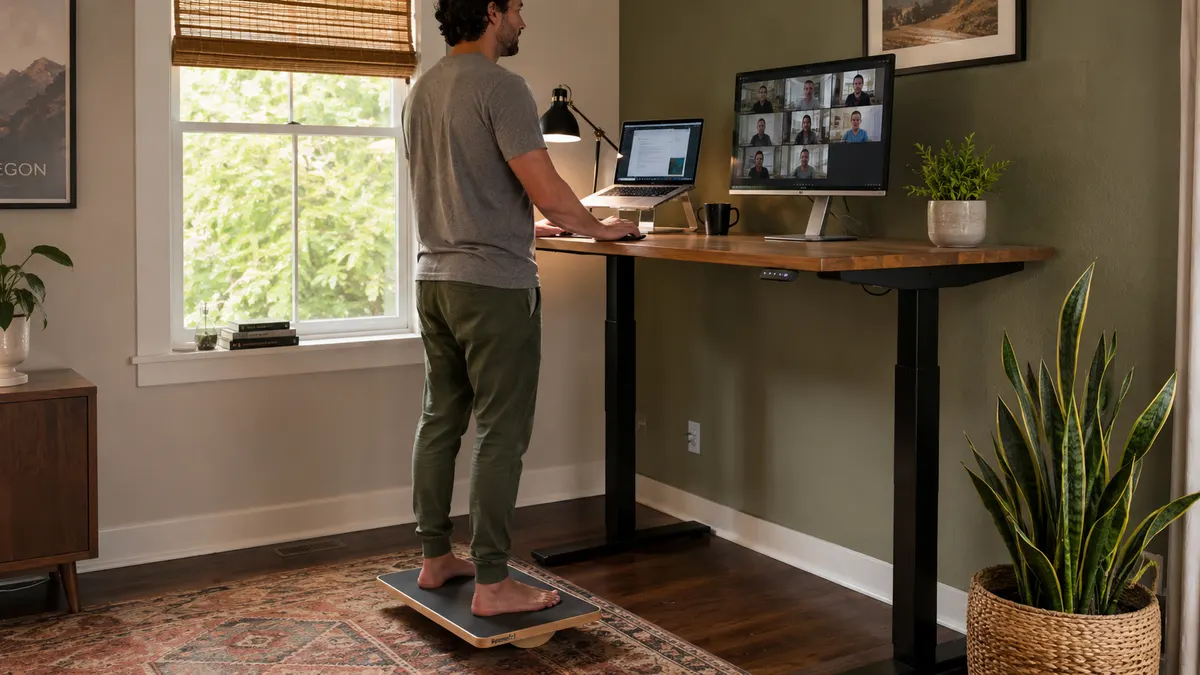
Placement sounds obvious until you actually try it. I center the board directly under where my feet naturally land when I'm looking at my main monitor, not centered under the desk itself. On a two-monitor setup, that's usually a few inches left or right of dead center. Stand at your desk without the board first, look down, and mark that spot with a piece of tape. That's where the board goes.
I also learned to check clearance on both sides. My office chair sits behind me for the rare moments I do sit, and my first placement had the board's back edge catching the chair's front caster every time I rolled it in. Moving the board four inches forward fixed it. Leave at least a foot of clear floor in front of the board too, so if you ever need to step off quickly, you're not stepping onto cables.
Cable routing matters more than people expect. My desk has a power strip and a couple of charging cables running down one leg, and I rerouted both of them to the opposite leg from the board so nothing crosses the floor space I actually step in and out of. If you use an under-desk cable tray, that's an easy place to tuck the slack. It's a small thing, but catching a laptop charger cord with your heel while stepping off a wobble board is not how you want to end a workday.
Step 3: Start on the Flat Rocker Side During Video Calls
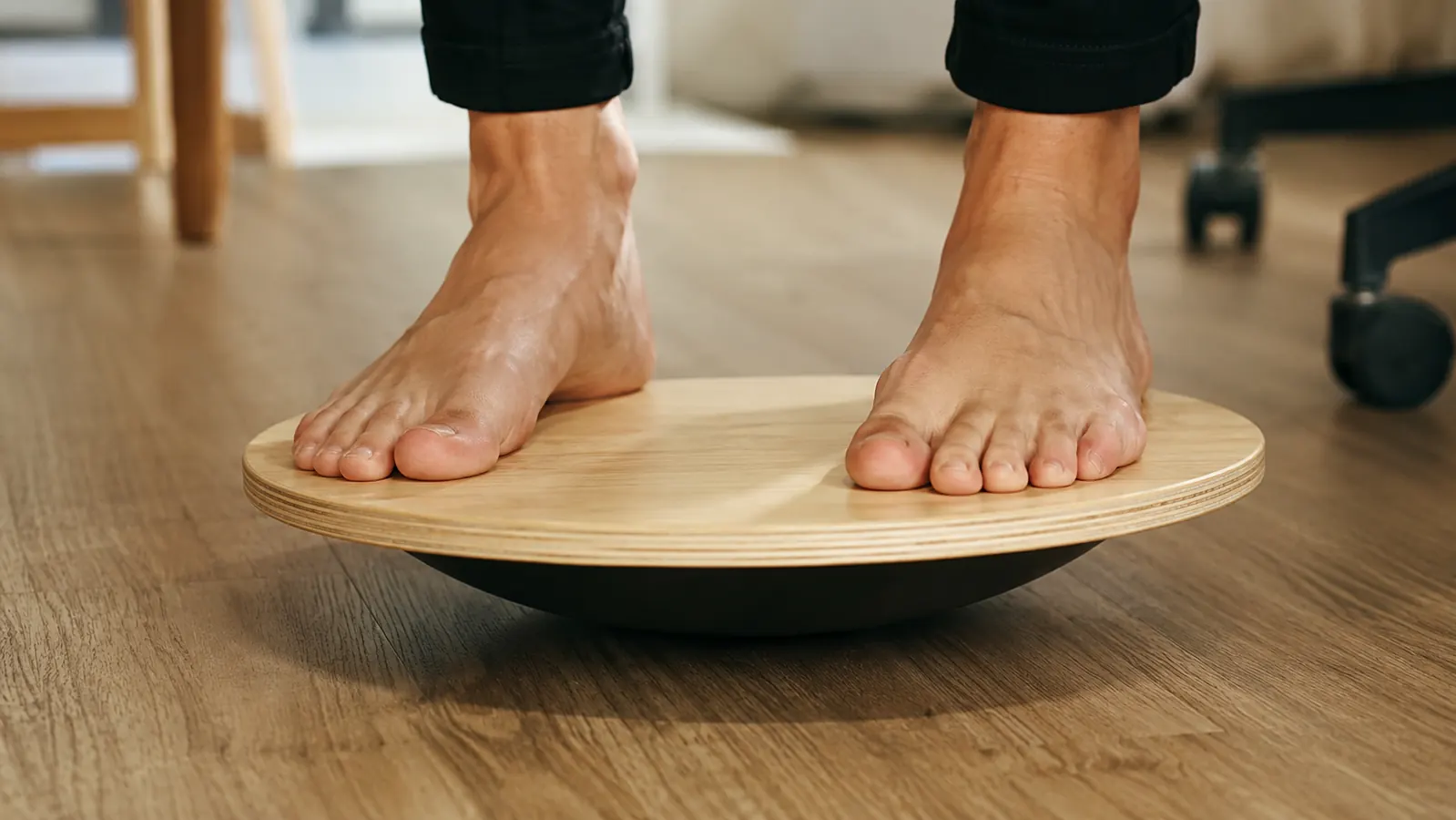
The StrongTek board has two sides. One is a flat rocker that tips forward and back but won't spin or roll sideways. The other is a full 360 degree wobble surface that moves in every direction. For the first few weeks, and honestly still today during any call where I'm on camera, I stay on the flat rocker side.
The rocker gives a small forward-back sway that keeps your legs working without demanding much conscious attention. I can run a 45-minute status meeting standing on it and never once look like I'm concentrating on staying upright. The 360 wobble side is a different story. It asks for real attention to stay centered, which is great for a break between meetings and a bad idea if you're trying to look composed on a client call.
It took me about a week of practice calls, internal team meetings where nobody was judging my camera presence, before the rocker side felt invisible. Now I forget I'm even on it half the time. If you're nervous about your first camera-on meeting standing on the board, do a dry run first. Stand on the rocker side, open your laptop camera, and just watch yourself talk for a couple of minutes. You'll see how little the sway actually shows up on screen, which is usually the reassurance people need before trying it on a real call.
Step 4: Schedule Two-Minute Movement Blocks Between Meetings
This is the part that made the biggest difference for me. I don't try to stand perfectly still and balanced on the board all day, that's not really the point of it. Instead, I use the gaps between meetings, even the short five-minute ones, to shift into a wider stance on the board and rock through a fuller range of motion, side to side, heel to toe.
I set a recurring calendar reminder labeled 'reset' that fires at the top of every hour if nothing else is already booked. When it pops up I step onto the board, if I'm not already on it, and spend two minutes just moving. Some days that's the only real break I get between back-to-back sprint planning calls, and it's enough to keep my legs from going stiff by 3pm the way they used to before the StrongTek board became part of the routine.
On days with a genuine 15-minute gap between meetings, I'll pair the board with a short lap around the house, mail check, refilling coffee, whatever gets me a hundred feet from the desk and back. The board handles the constant low-level movement during calls, and the short walks handle the bigger reset. Neither one replaces the other, they're solving slightly different problems, and using just one without the other left me feeling restless by mid-afternoon in a way that combining them fixed.
Step 5: Save the 360° Wobble Side for Focus Blocks, Not Calls
Once the flat rocker side feels automatic, usually after a week or two, try the 360 wobble side during heads-down work where you're not on camera. This is when I do my own solo work, writing project plans, reviewing tickets, that kind of thing. The wobble side keeps a low level of attention on your feet and core the whole time, which for me means fewer mindless trips to the kitchen out of pure restlessness.
I still don't use the wobble side on calls. Even after months of practice, an unexpected question or a screen share I need to grab quickly can catch me off balance in a way that's visible on video. Match the side of the board to what you're actually doing that hour: rocker for anything camera-facing, wobble for anything solo.
As you get more comfortable on the wobble side, you'll notice you can hold small, controlled circles with your hips without thinking about it, which is a decent sign you've built up real familiarity with the board. I wouldn't chase anything more advanced than that during a workday. The point isn't to turn your desk into a balance training session, it's to keep your legs and core lightly engaged while you're doing the actual job you're being paid for.
What Else Helps
The StrongTek board solved the biggest gap in my day, but it works better paired with a couple other habits. I keep a water bottle on the far corner of my desk so refilling it forces an actual walk to the kitchen every hour or two. I also alternate a few minutes of flat-floor standing for every twenty or so minutes on the board, since even good movement benefits from some variety. None of this is complicated, the board does most of the work, these are just small things that keep the day from feeling like one long static block.
I also pay attention to footwear. Standing on the board barefoot or in thin socks gives you a much better feel for the tilt than standing on it in thick-soled sneakers, and it's how I'd recommend starting out. Once you're used to the board's range of motion, wearing shoes doesn't really change much, but the first couple weeks are easier to learn barefoot. And if you share a home office with a partner or roommate who also works from home, it's worth having two boards rather than trading off one, the habit falls apart fast when the board isn't right there under your desk every time you stand up.
The board didn't fix everything about working from a standing desk, but it fixed the specific thing where I'd stand still for three hours and not notice until my lower back reminded me.
Five Months In, the StrongTek Board Is Still on My Floor Every Day
It's a simple piece of wood that turned standing-desk stillness into constant, quiet movement through my whole workday. If your legs are dead by mid-afternoon the same way mine used to be, this is the cheapest fix I've tried that actually stuck.
Amazon Check Today's Price on Amazon →