
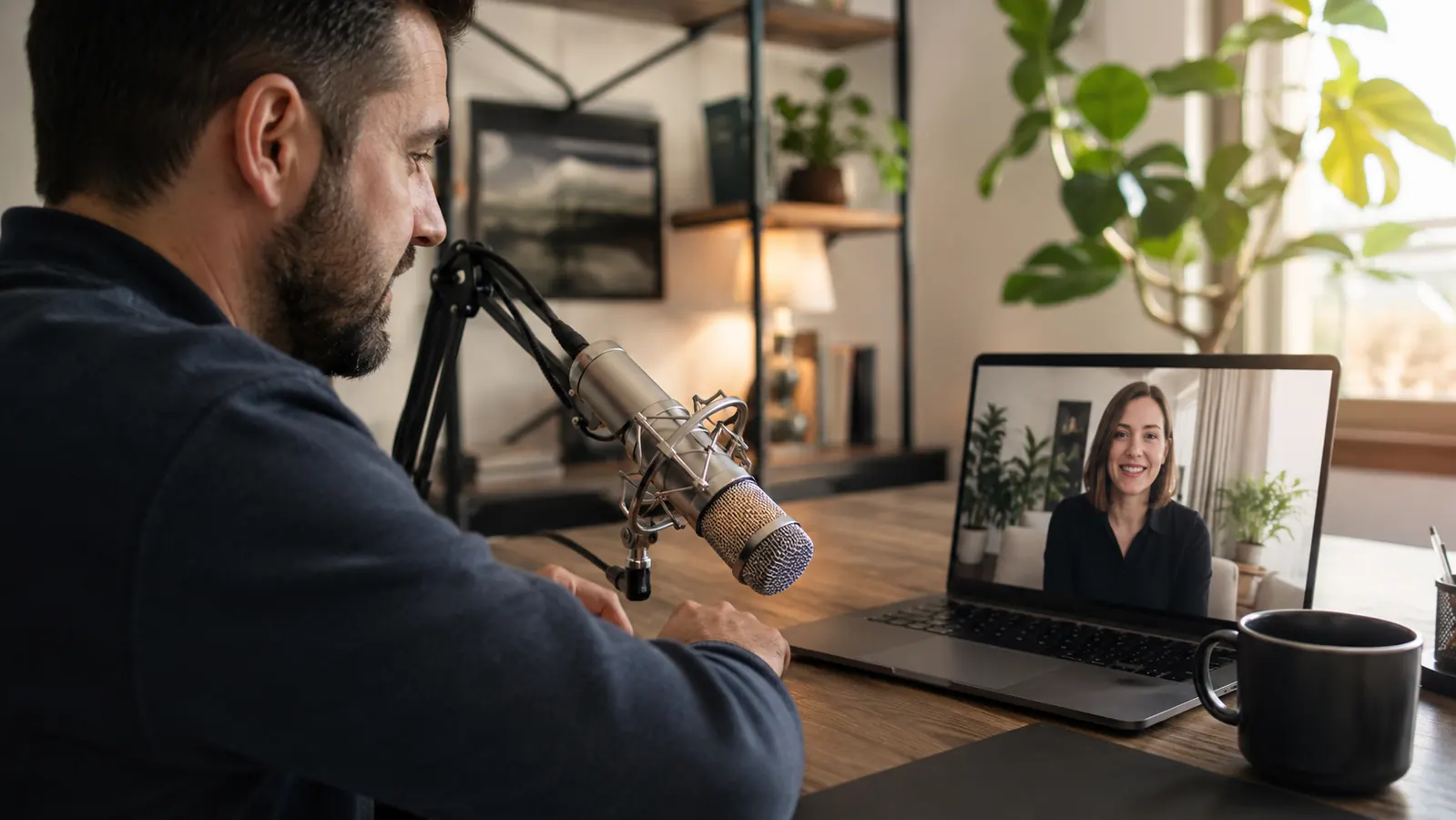
For the first two years I worked from home, I used whatever mic was built into my laptop lid. Nobody complained, so I figured it was fine. Then one afternoon a client on a status call asked me to repeat myself three times because I sounded like I was, in his words, 'talking from inside a coffee can.' That was the day I finally bought a dedicated USB microphone, and it's the single cheapest fix I've made to my home office in eight years of remote IT project management. Looking back, the tell was there the whole time. My video calls all had this faint room echo, and I'd catch myself leaning closer to my laptop screen just to be heard clearly, which is a strange habit once you notice you're doing it.
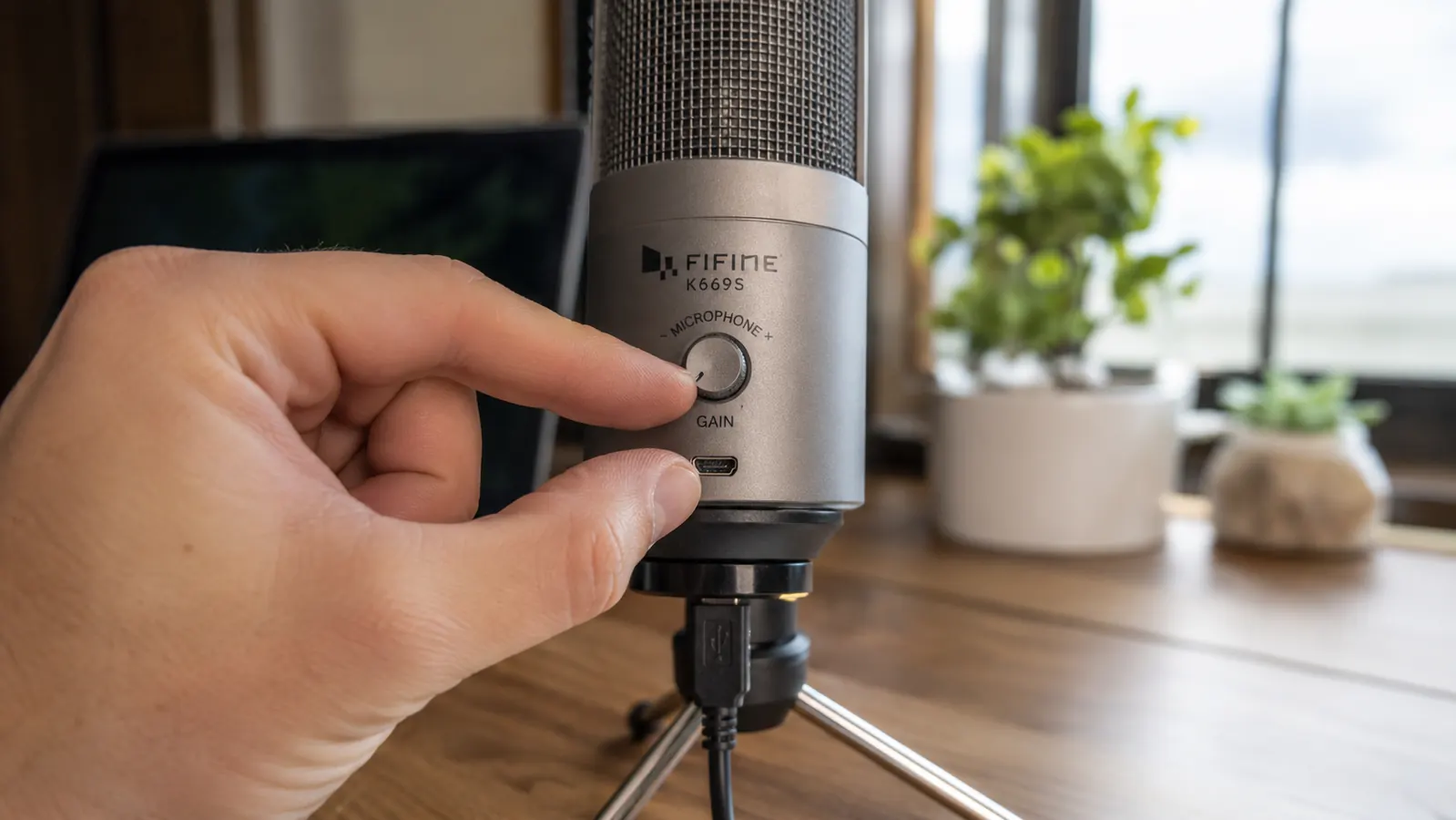
I ended up with the FIFINE K669S, a metal condenser mic with a gain knob on the back, and I've used it on every stand-up, client call, and internal training I've run since. Below are the ten specific problems it solved, in the order I noticed them.
Stop making people ask you to repeat yourself
The FIFINE K669S is the exact mic I switched to after getting called out on a client call. Plug and play, no drivers, gain control built into the base.
Amazon Check Today's Price on Amazon →It stops picking up the whole room
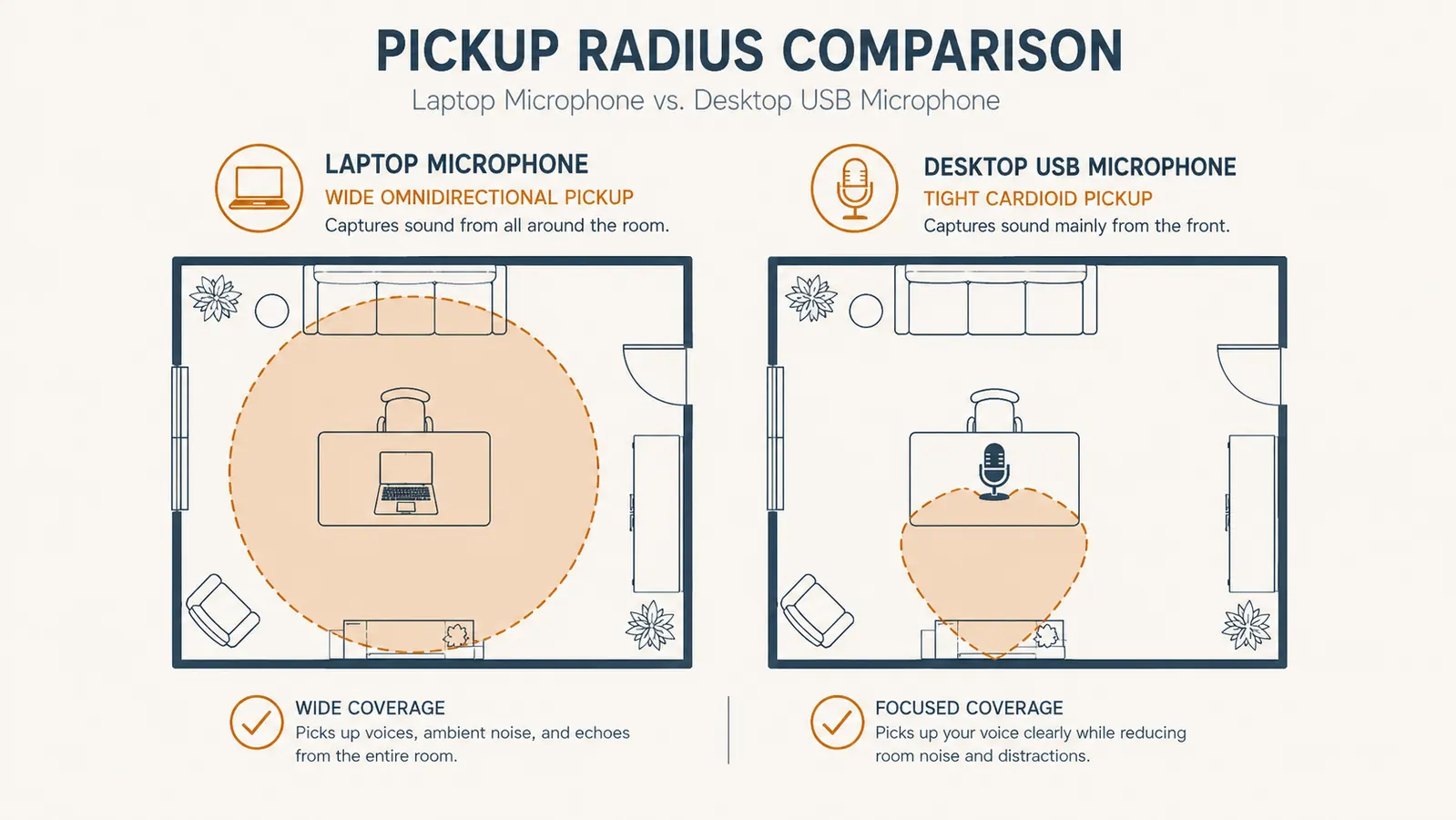
A laptop mic is usually an omnidirectional capsule buried under the keyboard, which means it grabs everything within about ten feet: the HVAC vent, your kid's tablet down the hall, the dog. The FIFINE K669S is a cardioid condenser, which means it's built to favor sound coming from directly in front of it and reject sound from the sides and rear. The first week I used it, my project sponsor actually asked if I'd moved to a quieter house. I hadn't. The mic just stopped forwarding my whole room to the call.
It kills the tinny, distant sound
Laptop mics sit far from your mouth and behind a thin plastic bezel, so even in a quiet room you get that flat, far-off quality. A desktop USB microphone sits 6 to 10 inches from your face on its own stand, which is close enough to capture the actual warmth of your voice instead of a thin, compressed version of it. On my last performance review call, my manager mentioned the audio was noticeably clearer without me bringing it up. That's the difference distance makes.
You get real gain control instead of guessing
Most laptop audio settings bury the mic volume three menus deep in the OS, and half the time your video call app overrides it anyway. The K669S has a physical gain knob on the mic itself, so I can turn myself up before an early morning stand-up when my voice is still low, or turn myself down when I'm on a loud group call. That kind of on-the-fly control just doesn't exist with a built-in mic. I also use it to compensate for whatever room I'm calling from, since a bedroom with carpet and curtains needs a different gain setting than a spare office with hard floors and bare walls.
It has a mute button you can actually feel
This sounds small until you've fumbled for the software mute button mid-sentence while your camera's still hot. The K669S has a physical touch-mute on top that lights up red when you're muted. I use it constantly when my building's trash truck rolls by or when someone knocks on my office door mid-meeting. No hunting through a toolbar.
It works with a pop filter or foam windscreen
You can't clip anything onto a laptop lid. A desktop mic gives you a mount point, so I run a cheap foam windscreen on mine that cuts down on the plosive pops from words starting with P and B. It's a two-dollar accessory that a laptop mic can't use at all, and it noticeably cleaned up my audio on recorded training sessions.
It frees you from sitting hunched over your laptop
Laptop mics force you to stay within a foot or two of the screen to be heard clearly, which is part of why so many of us end up hunched forward on calls. With the K669S on its stand, I can lean back in my chair, gesture with my hands, even stand up and stretch mid-call, and my voice level barely changes because the mic is positioned independently of my laptop screen. That freedom sounds minor until you've spent a year hunching toward a laptop camera for six hours a day and your neck starts reminding you about it.
It's genuinely plug and play
I was ready for a driver install and a settings headache. Instead I plugged the USB cable into my laptop, opened Zoom, selected the K669S as the input device, and it worked immediately. No software, no account, no firmware update. That matters a lot when you're setting up five minutes before a client call and don't have time to troubleshoot.
It holds up on recorded meetings, not just live ones
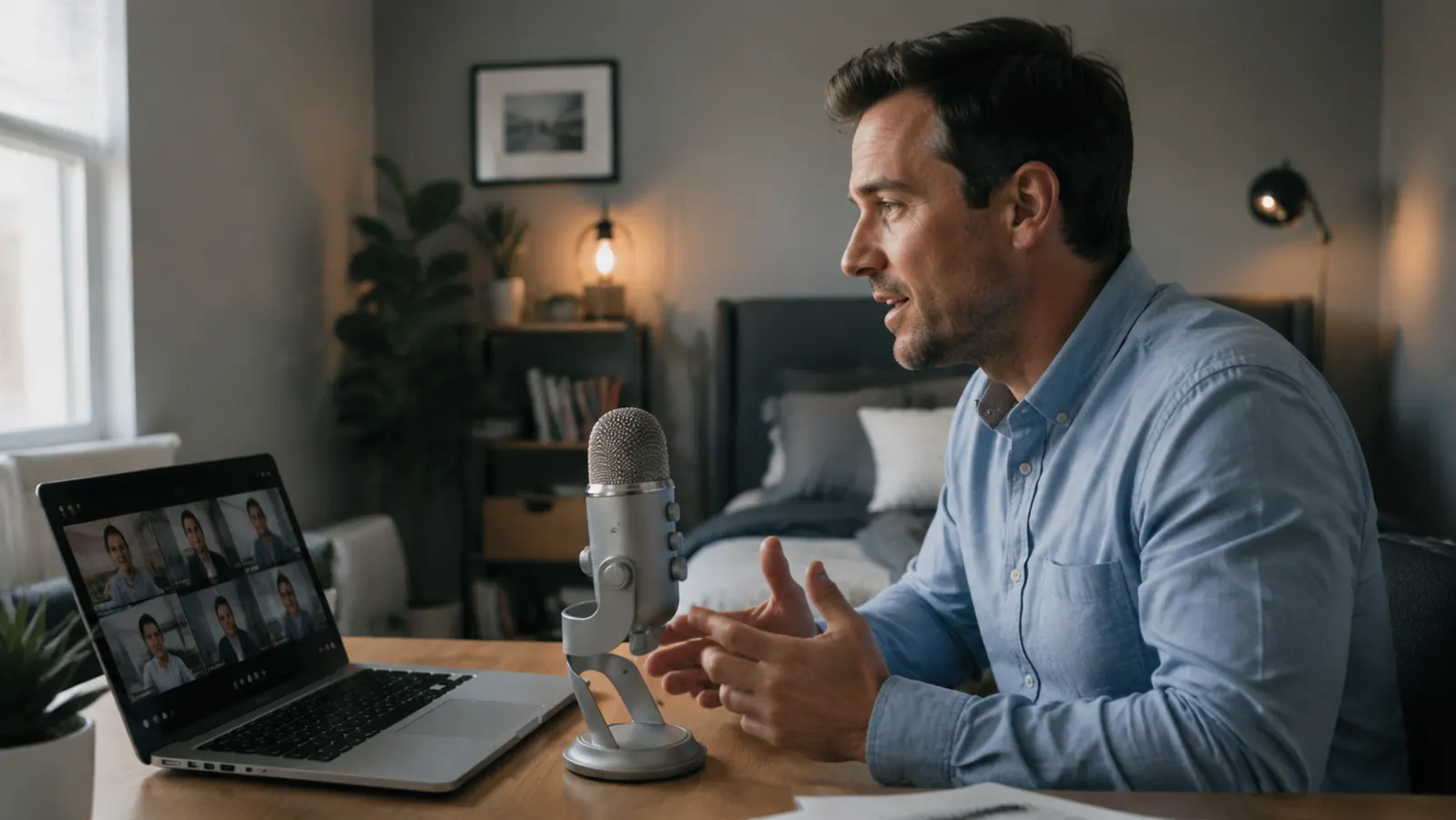
Live calls have some forgiveness because the other person's brain fills in gaps. Recorded meetings don't. I record most of my project retros for teammates in other time zones, and the difference between a laptop mic recording and a K669S recording is obvious the moment you play them back side by side. The recorded version off the laptop sounds like it was captured through a wall.
It's a cheap fix compared to the alternative
I looked at studio-style XLR setups with a separate audio interface before landing on a USB microphone, and the price difference wasn't close. A USB mic like the K669S gets you most of the audio improvement for a fraction of the cost and none of the extra hardware. For a remote worker who just needs to sound clear on Zoom and Teams, that's the right tradeoff. I priced out a basic audio interface plus a separate condenser mic before I bought the K669S, and the total was more than three times what the FIFINE cost on its own.
It makes you sound like you take the call seriously
This is the one that surprised me most. Audio quality reads as professionalism whether people say it out loud or not. Once I switched, I started getting more meeting facilitation requests and fewer 'can you say that again' interruptions. A clean voice on a video call signals that you're prepared and paying attention, even when the content of what you're saying hasn't changed at all.
What I'd Skip
I wouldn't buy a mic with no gain control or no mute switch, because those two features are the ones I actually touch every single day. I'd also skip anything that needs a separate USB interface or driver install if all you're doing is video calls, that's added complexity for a problem a simple USB condenser mic already solves. And skip the temptation to spend three times as much on a broadcast-style mic before you've even tried a basic desktop condenser. Most remote workers don't need studio gear, they need to stop sounding like they're on a laptop speakerphone. If you're deciding between two options and one has a metal build versus plastic, go metal, it survives getting nudged off the edge of a crowded desk.
I didn't need a podcast studio. I needed to stop sounding like I was calling in from a parking garage.
The fix is smaller than you think
One client comment about my audio was enough to get me to switch. The FIFINE K669S has been on my desk for eight months of daily calls since. Plug it in before your next stand-up.
Amazon Check Today's Price on Amazon →